Device, Browser and Network Requirements
All you need to run a Zensimu session is a web browser and internet connection for both players and instructors. It can't get easier than that.
For more information, take a look at this page to see how to best prepare your game session.
Devices
Players can join the game via the web browser of their computer (Mac or PC), phone or tablet (iPhone or Android). Our games are built to handle these various devices and the interface will adjust automatically.
For the instructors, we recommend using a computer as a larger screen is more comfortable to create and monitor sessions.
Browser and URLs
All modern web browsers are supported by Zensimu, this includes Chrome, Firefox, Safari, and Edge.
Instructors and Participants access our games via the following URL:
To quickly access sessions via a 6-digit code, the below site is also used:
Network
Zensimu can be accessed from the vast majority of networks.
However, note that the platform cannot be used from China due to the Great Firewall, which prevents access to the database.
Additionally, some strict corporate networks/firewalls may also prevent the access.
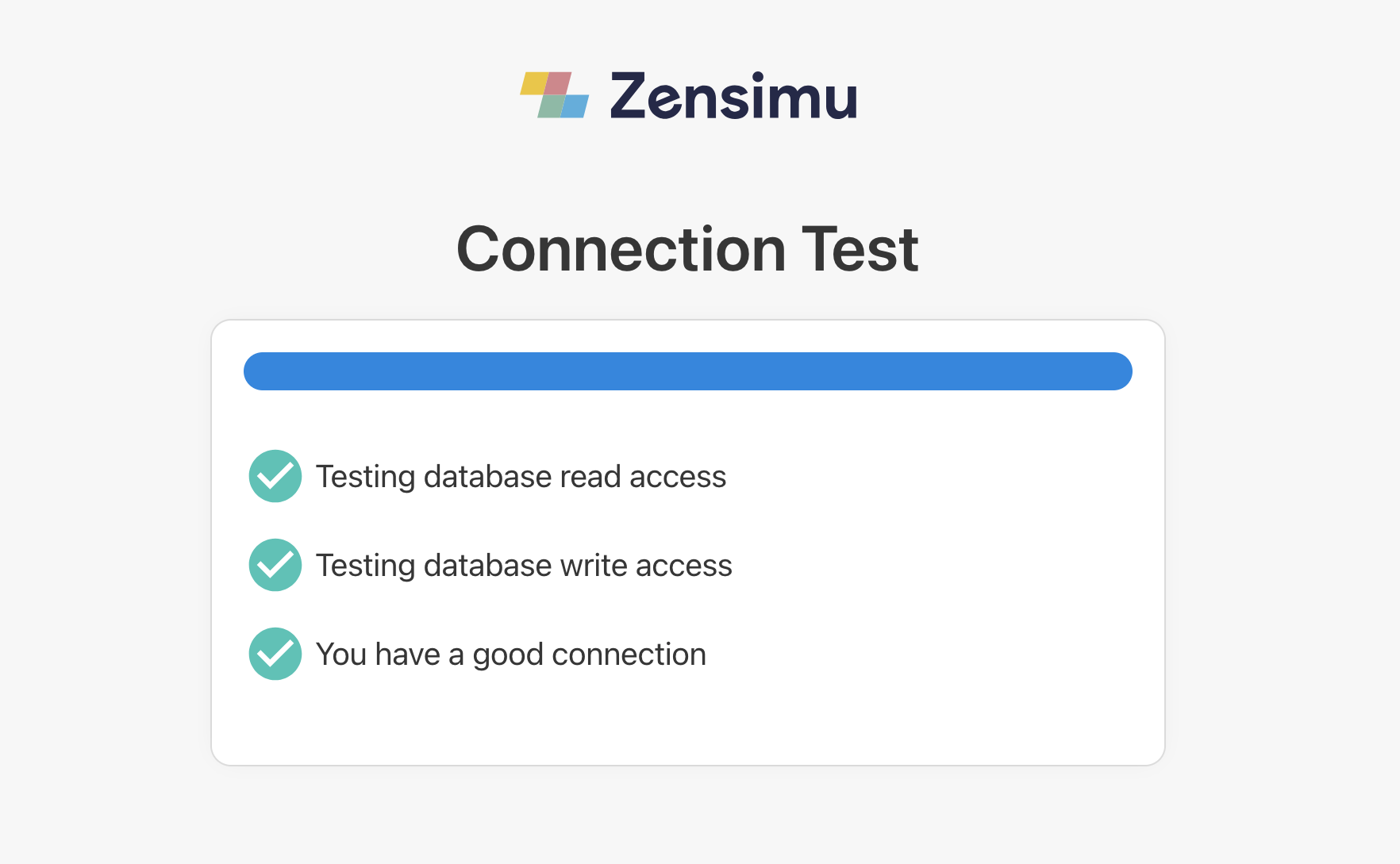
To verify that you can play and host Zensimu games, you can use the below link:
If you end up with a screen such as the one below, you are good to go! 🥳
If not, please reach out at support@zensimu.com.